
Terminal
A shell in the project directory, right on the server machine. The agent chat covers almost everything, but not quite: looking at a log, kicking off a test, fixing something by hand — it is faster to do it yourself than to spend a model's reply on it.
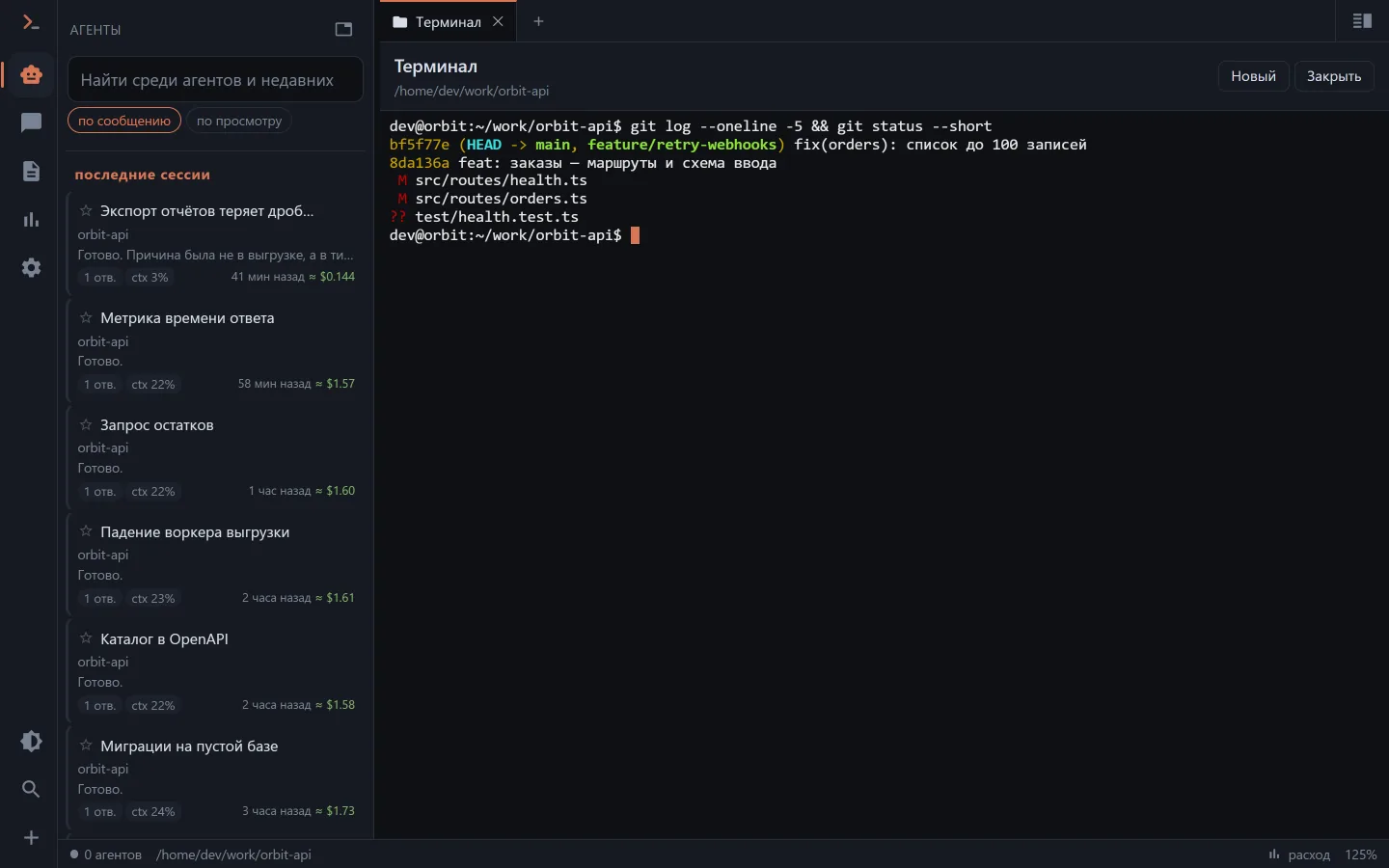
The way here: the chat menu ("Terminal", next to "Project git"), the file browser header, the address /terminal?cwd=<directory>.
Owner only
Every terminal endpoint goes through an owner check. A guest key — even with full access to its own projects — does not get a shell on the machine: from a shell the whole machine is visible, not the key's scope. A read-only key is cut off in the same place. Clients don't show the menu item to a guest, but it is the server that decides: 403.
The VS Code panel has no such screen — the editor has a real terminal of its own, on the same machine.
The shell outlives the client
The terminal lives in the api's memory: close the tab, let the phone fall asleep — the shell and its output are still there. The server remembers the last 256 KB of output and hands it over in full when you reconnect.
With nobody watching, a shell lives for half an hour; a finished one for another ten minutes, to show its exit code to whoever comes back. No more than eight shells are open at once.
At the bottom of the screen are the other open terminals, to return to them.
A pseudo-terminal: where there is one and where there isn't
| Where | How it starts | pty |
|---|---|---|
| the app on Linux and macOS | Bun.spawn({ terminal }) in the same process | yes |
| docker | the same call, but in a neighbouring bun -e … process | yes |
| the app on Windows | pipes: pwsh -NoLogo -NoProfile -Command - (or powershell.exe) | no |
Without a pty the shell works line by line: the command goes out whole on Enter, there is no echo (the client prints the input itself), Tab completion and Ctrl+C have nobody to reach, and cursor programs don't work. The client says so honestly with a plate.
Your own shell is set by CLAUDER_SHELL; by default it is $SHELL, otherwise /bin/bash, and on Windows pwsh if installed, otherwise powershell.exe.
A password typed in the terminal doesn't stick anywhere
ssh, sudo, gh auth login ask for passwords themselves. The server sees that a hidden input is going on — by the terminal's real signal, not by the wording of the prompt — and what you type settles neither on the screen, nor in the client's history, nor in the saved output.
Passwords reach the agent differently — as a card, see Secrets and safe mode.
Clients
- Web (including the desktop app and the iOS panel) — xterm.js, full emulation, colours from the theme. The terminal's
idis in the address, so reloading the page reconnects to the same shell. - Android — no full emulation: the output is shown as text cleaned of ANSI sequences, the input is a line sent by Enter, and the keys the on-screen keyboard lacks are buttons: Ctrl+C, Tab, history arrows, Esc, Ctrl+D. That is enough to "kick off a test, look at a log";
vimandtopbelong in the web UI.