
What it is
Clauder is your own client for Claude Code. It shows everything that already sits in ~/.claude/projects/**/*.jsonl — projects, sessions, messages, the model's thinking, tool calls — and lets you start a new chat, a new project and carry the work through: from your phone, from the browser, from a window on your desktop or straight from Telegram.
The agent meanwhile runs on your machine, in your directories, with your MCP servers and your docker.
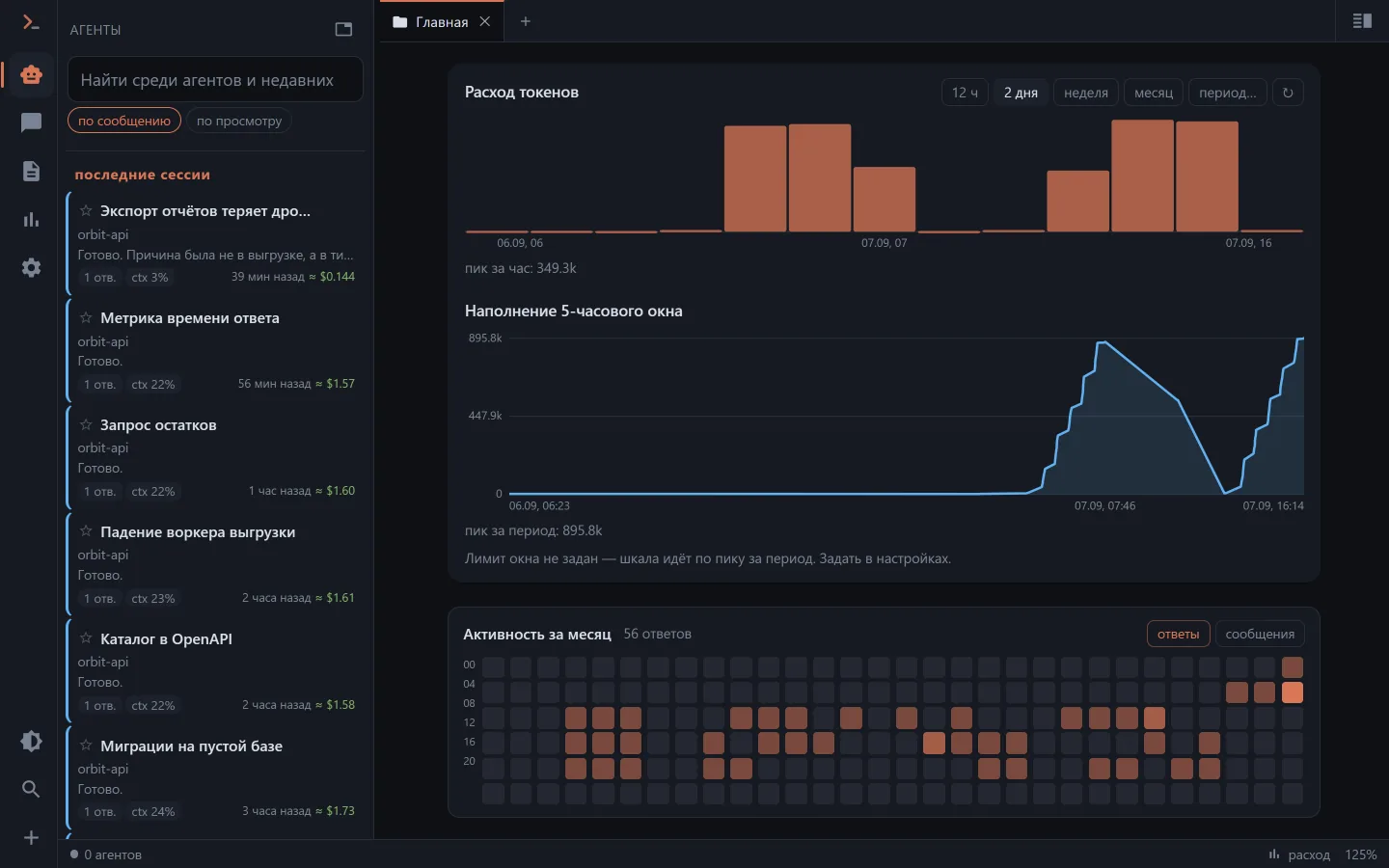
There is no storage of its own
This is the main thing to understand about how it works. Clauder reads and writes the same files the CLI does:
- a chat started in the browser shows up in
claude --resumein the terminal; - a session started in the terminal in the morning opens on your phone in the evening and continues from there;
- a chat renamed in the CLI is called the same in every client.
Next to the sessions directory there is an SQLite file (clauder.db) — but that is an index of token spend and a place for favourites, your own titles and "read" marks, not a second storage. Delete the file and it will be rebuilt by scanning.
What it takes
One requirement: a route to your machine from wherever you work. The local network, a VPN on the phone, a one-click tunnel or your own domain behind a proxy — details in Access from outside. Telegram doesn't even need that: the bot reaches out by itself, no inbound route required.
The machine, however, has to be on and online. Cloud options survive a closed laptop, Clauder does not.
What it is for
Starting work without walking up to the computer. A new chat in any directory of the machine (a folder can be created on the spot), a choice of model and effort, images from the gallery or the camera — all of it from the phone.
Seeing what the agent did. The session transcript in a readable form, not a wall of JSONL. An open session updates live — you watch a reply that was started in a terminal in the next window.
Answering without going back to the terminal. If Claude asked a question (AskUserQuestion), you can answer it from Clauder — even when the session is run not by Clauder but by claude in the terminal or in VS Code. That needs hooks.
Seeing who is working right now. A separate screen with live chats, their subagents and background tasks: what each one is busy with and how long it has been going.
Running it where you need to. A session doesn't have to run on the server: its place can be a folder on your own disk handed to the browser, another machine through the worker bridge, or the phone itself — the choice is the first question of a new chat (Where the session runs).
Handing over passwords without revealing them. The agent asks for a password or a token as a card, the server substitutes the value, and only the secret's name stays in the conversation (Secrets).
Keeping everything in one list. Sessions from WSL and from Windows sit side by side even though they live in different profiles. Plus search across the whole conversation history of every project at once.
How this differs from the official ways
Claude Code has its own ways to reach the agent from afar: Remote Control (claude remote-control — the session is visible on claude.ai/code and in the Claude app) and Claude Code on the web (the task runs in Anthropic's cloud VM on a GitHub repository, or on a bundle of your local one uploaded there). Clauder solves the same problem from the other end: it doesn't attach one session to someone else's cloud, it shows and drives everything that is already on your machine.
| Clauder | Remote Control | Claude Code on the web | |
|---|---|---|---|
| Where the agent runs | your machine | your machine | Anthropic's cloud VM |
| Which sessions you see | everything in ~/.claude — past, foreign, both sides of WSL/Windows | only the ones you enabled; after server mode stops they come back for about four more hours | cloud ones only |
| Archive and search | the whole archive, full-text search over conversations | no | a list of cloud sessions |
| A new chat from the phone | in any directory of the machine | in the directory where server mode is up, or in its worktree | in a GitHub repository, or in a bundle of your local one |
| Where the transcript goes | your own JSONL | JSONL on your side + a copy on Anthropic's servers while connected | the cloud |
| Notifications | Web Push, Android, tray, Telegram — about everything on the machine | pushes for your own sessions | same place |
| Spend and limits | a screen of its own: the window, weekly limits, pace, breakdowns | /usage as text | /usage as text |
| Price | your server, MIT | included in the subscription | included in the subscription |
In short: the official ways give you a window onto one session you opened yourself; Clauder gives you a remote for the whole machine — lists of projects and chats, the archive, search, files, spend, foreign sessions and the ability to start new ones.
Where the official way is better
This is an honest list, and it matters more than the sales pitch:
- Nothing to host and nothing to keep switched on.
- The cloud runs tasks in batches and in parallel without eating your CPU.
- Tool approvals there are part of the product. Clauder has them too, but the default is
bypassPermissions(see Security). - It is a supported product with guarantees, while Clauder is a home tool.
What next
- Installation — the app or
docker compose. - First run — the key, the phone, the first chat.
- Clients — how the five ways to connect differ.