
Project files
Project directories, a file with line numbers and highlighting, images as images.
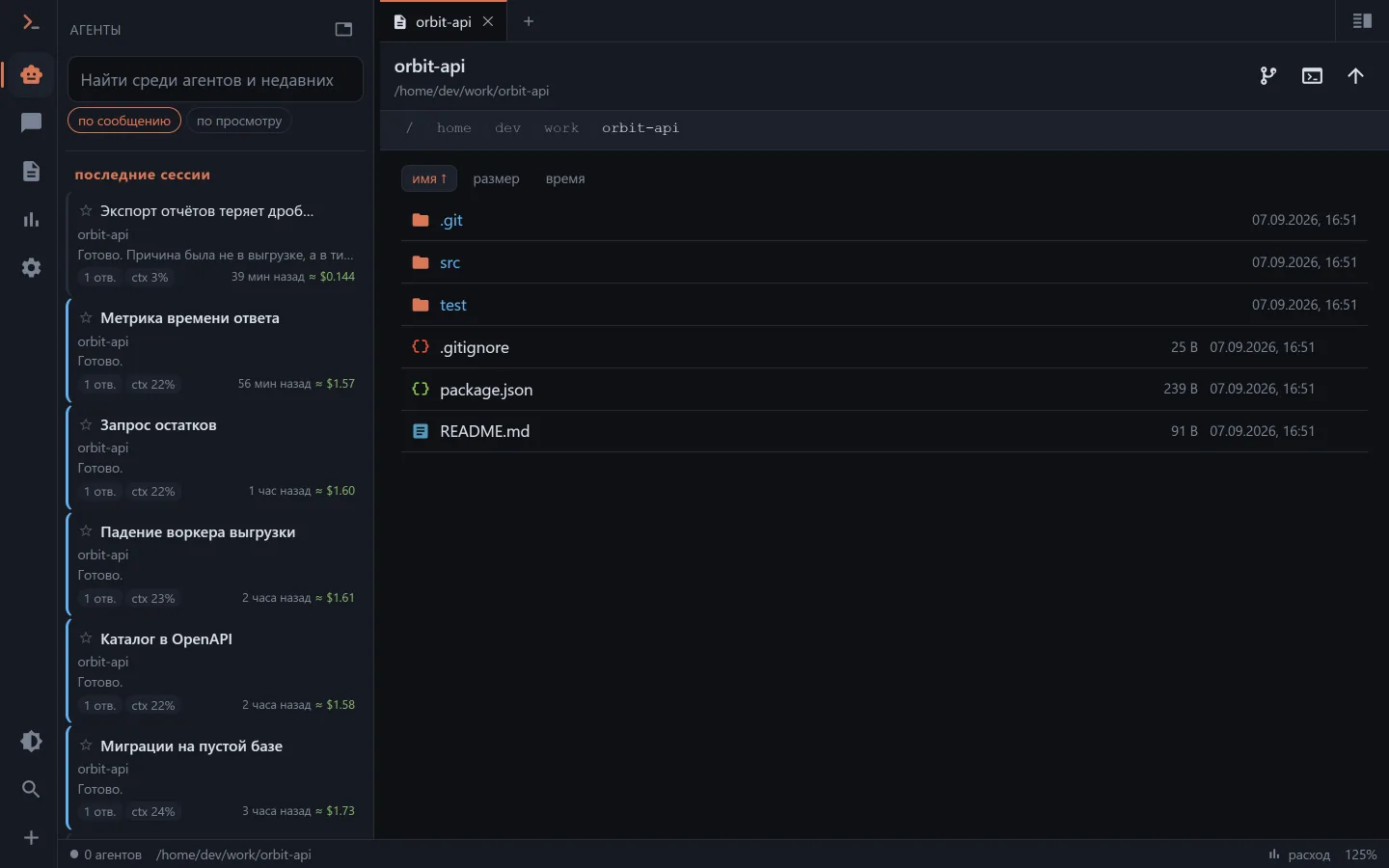
How to get here
- the 📁 icon in the chat header — the working directory is already known;
- the 📄 icon on a
Read/Write/Editcall line in the feed; - the address
/files?path=<directory>.
For a partial Read exactly the piece the model read is opened — not the whole file with the place guessed.
A screenshot the agent took along the way opens from there as well: its temporary directory is always readable, even though it isn't among the working roots.
Images from messages open full-screen with zoom.
Files can be put in, too
The browser header has three buttons — "Upload files", "Upload folder" and "New folder". In the web UI a file or a whole folder can also be dropped onto the list: the container highlights and says where the dropped thing will land. A folder travels with its structure, not as a scattering of files.
This is the only writing that exists here, and it is deliberate: putting material in for the work (a log, a screenshot, an export) is an everyday thing, while editing files is not (see below).
A path from the model's speech is a link
The model constantly writes paths in plain text: "the fix is in web/app/utils/i18n.ts", "see api/src/main.ts:42". Such a path in the feed became a link — it opens the file in the file browser, and with a line number it scrolls to the right place. No more copying it by hand.
An image the model inserted as  is shown as an image, not as a broken-image icon.
Diff
GET /api/files/diff computes the difference for one file — it is drawn both in the file browser and in the chat feed with the same signs and colours as on the git screen. A deleted file can't be shown here: it isn't on disk, and that is what the git screen is for.
There is no editor, on purpose
And not because it didn't get done. There is no write endpoint in the api either: otherwise an access key would become the right to write to any file on the machine. Editing files is the job of the agent in the chat or of a human in an editor; seeing and understanding what happened is Clauder's job.
Boundaries
What can be looked at is set by the allowed roots (AGENT_WORKSPACE_ROOTS / the "Agent" section in the settings) and by the access key's scope. A path from a request passes through one and the same gatekeeper, so a directory you may not look into won't open from here, nor from the git screen, nor from the terminal.